


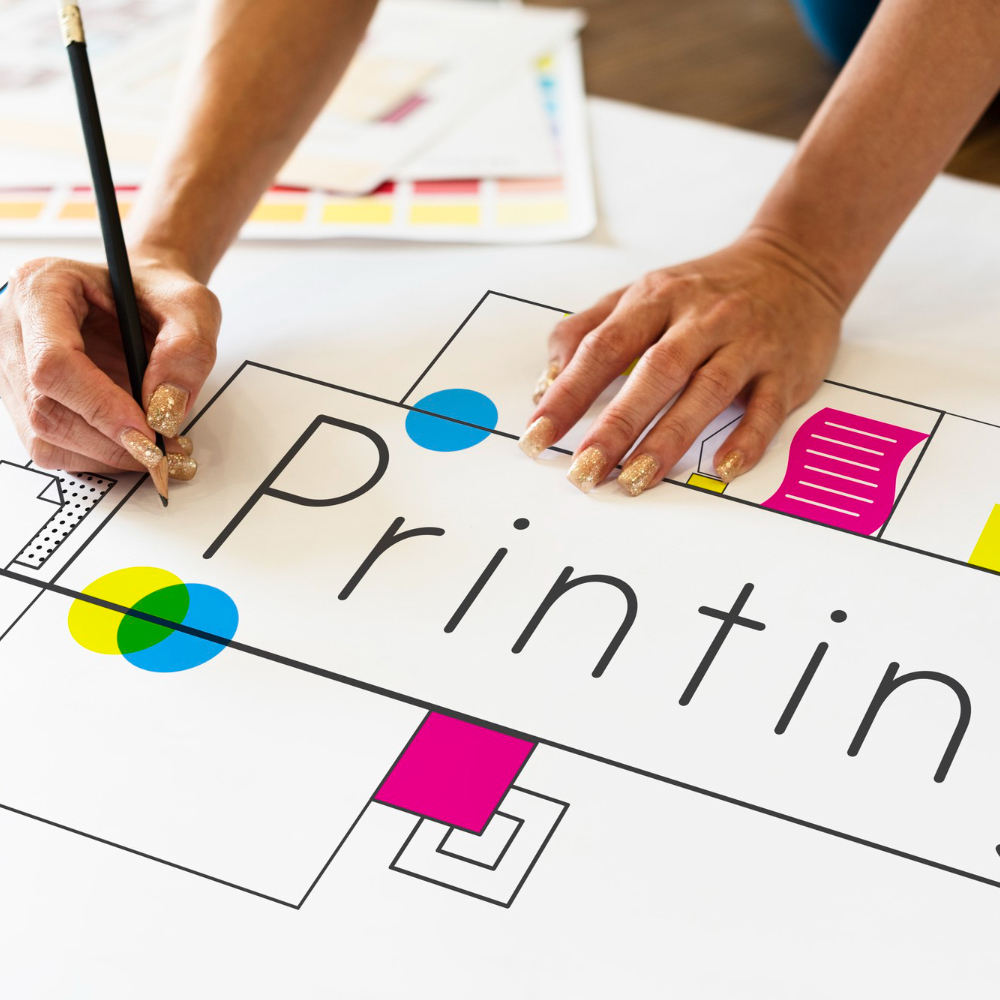
Getting perfect printing results starts with preparing proper print-ready files. Here’s a simple beginner-friendly guide.
1. Use High Resolution
- Always design in 300 DPI for clear, sharp printing.
- Low-resolution files will print blurry or pixelated.
2. Use CMYK Color Mode
- Print machines use CMYK, not RGB.
- Converting to CMYK ensures accurate colors.
3. Add Bleed to Your Document
- Bleed prevents white borders during trimming.
- Use 3mm bleed on all sides (standard).
4. Use the Right File Format
Best print formats:
- PDF (recommended)
- TIFF
- High-quality JPEG
5. Check Fonts and Layers
- Embed fonts
- Flatten images
- Outline text
6. Do a Final Proof
- Alignment
- Colors
- Spelling
- Spacing
Conclusion:
Preparing files correctly saves time, avoids reprints, and ensures your final product looks professional.
